Create one
Use New Capture to photograph a subject and develop a new Shutterling. AI interprets the photo to create its game identity and abilities.
Shutterlings is a photo-based collecting and battling game. Turn real-world subjects into Shutterlings, put together a team, and explore a world of encounters, puzzles, and bosses.
Here’s how it works. The plant can wait.
Start with the basics ↓What is a Shutterling?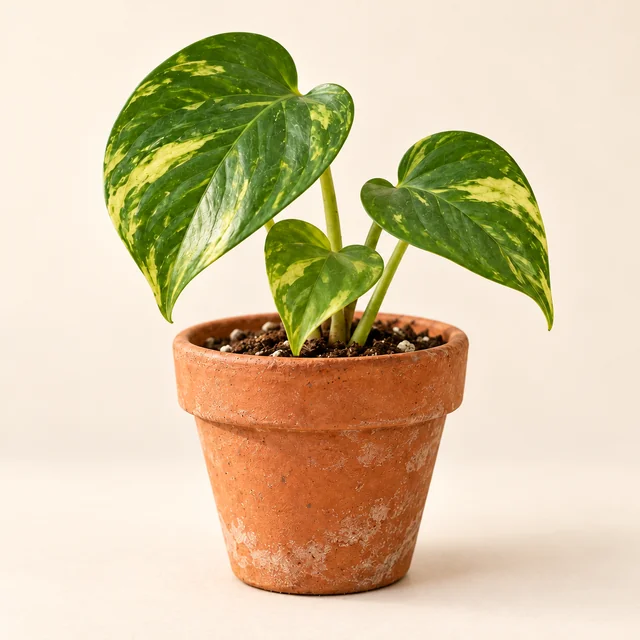
A Shutterling is a collectible character built around a photograph, with its own type, stats, moves, and personality. Your photo stays at the heart of its identity: this is an album of actual subjects with surprisingly busy schedules.
Use New Capture to photograph a subject and develop a new Shutterling. AI interprets the photo to create its game identity and abilities.
Head out on a Photo Walk to encounter Shutterlings, find supplies, and get into battles. Catching an encountered Shutterling adds it to your collection.
Creating makes a new Shutterling from your own photo. Catching recruits a Shutterling you encounter through a catch challenge. Same album, different route in.
You don’t need a perfect team before you begin. You do need to know where the buttons lead.
Open a Shutterling’s page to see its type, moves, stats, and care status. This is also where you’ll find training and appearance options.
Create Shutterlings with New Capture, or find and catch them on a Photo Walk. Aim for at least three so you can assemble a full team.
Use Change team to select up to three Shutterlings. Check that they’re ready to play; sad or tired teammates need care or rest.
Explore your available zone, inspect encounters, and try a battle or catch. Return to the Gallery to review your team as it grows.
The Next Step card points you toward growing your collection, choosing a trio, training, or a Gym Match. Useful when your grand strategy is “now what?”
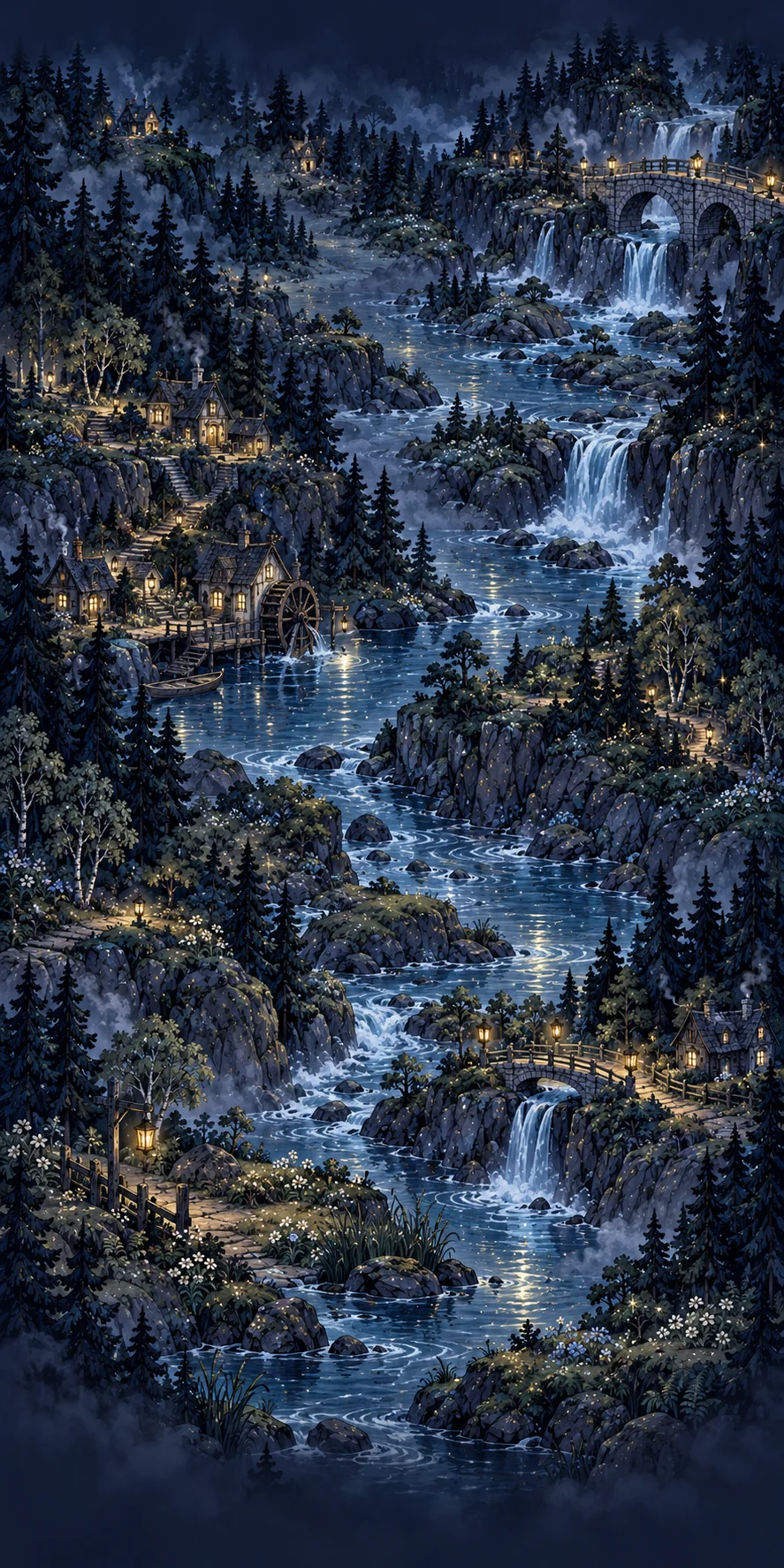
Photo Walk spans 10 regions and 50 zones. You’ll encounter wild Shutterlings, battles, supplies, and quieter stretches. Defeat a zone’s boss to open the next zone. Bring an available trio for the boss challenge.
A catch attempt can give you one of three minigames. Inspect the preview before you begin, then follow that challenge’s rules.
Reassemble a 5 × 5 portrait from loose pieces before the 60-second timer runs out.
Slide tiles into the empty space to restore a 3 × 3 portrait. You have 60 seconds.
Find the Shutterling in the scene and get its visible center inside the snap brackets. Green brackets mark a valid target. You have 30 seconds.
Puzzle Practice lets you learn the puzzles without spending currency or changing your collection. A safe place to argue with a sliding tile.
Catch attempts cost 40 Film. Bosses cannot be caught. Apparently being management comes with privileges.
Battles use an initiative system: Speed helps determine how often a Shutterling can act, and moves spend initiative. Your choice affects both what happens now and how soon that Shutterling can act again.
Moves can deal damage, protect, heal, change stats, or inflict status effects. The biggest damage number is useful information. It is not all the information.
Types affect move effectiveness. Use the in-game Types reference and inspect the opposing Shutterling before committing to a plan.
Switching gives another Shutterling a chance to handle the matchup. A team can cover weaknesses that one favorite cannot.
Specials unlock at level 10, but your team gets only one Special activation per battle. Choose the Shutterling and the moment.
A new passive unlocks, adding another effect to the Shutterling’s toolkit.
The Shutterling’s Special becomes available. Read it before the dramatic moment.
Battle XP raises natural levels. Training lets you allocate stat points, while Rewind refunds allocated points so you can rethink a build without erasing the Shutterling’s level.
The Gym Circuit has eight gyms. Gym battles cap effective levels at 10, so growing far beyond that won’t substitute for team choices. Lower-level Shutterlings don’t receive abilities they haven’t unlocked.
The Camera Bag holds your supplies. The Gallery holds your Shutterlings. Neither is improved by frantically tapping everything.
Yes. AI interprets submitted photos to create a Shutterling’s identity and abilities. Exploring, team-building, training, and battles give those creations something to do.
AI also wrote a frankly unreasonable amount of the code, because the creator had considerably more ideas than programming ability.
No. Creating starts with your own photograph and uses Snaps. Catching starts with an encounter and uses a catch challenge, paid for with Film.
Yes. Puzzle Practice is separate from real catches. It gives no collection rewards and does not spend catch currency.
Check its care status. Sad or tired Shutterlings need care or rest. Home’s team summary and the Gallery show which Shutterlings are ready.
Yes. Rewind refunds allocated training points while preserving its level and natural growth. You can reconsider the build without starting the Shutterling over.
That’s enough reading. Your plant is beginning to look impatient.